



Google Business Profile Suspended: What To Do, Fast
🇫🇷 Lire en français : Fiche Google suspendue en Guadeloupe : que faire (et vite)
A suspended Google listing can be recovered, provided you stop touching it. The move that saves you: halt every edit, make the right diagnosis (downranked, suspended or disabled are three different situations with three different answers), then file a single appeal backed by a consistent evidence file. The move that sinks you: tinkering with the listing or creating a new one. Every ill-judged action lowers your odds of reinstatement, while a competitor quietly takes your place.
Suspended, disabled or downranked: get the diagnosis right first
Tip
An invisible listing is not necessarily a suspended one: search your exact business name in a private window, then read the status shown in your Business Profile interface.
Three situations look identical from the owner’s chair, “my listing has vanished”, yet they call for completely different responses.
The downranked listing still shows when you type the exact business name, but no longer appears in the Google Maps block on competitive queries (“plumber Le Moule”, “restaurant Saint-François”). This is not a suspension: it is a threshold problem, covering rating, volume of recent reviews and response rate, and we cover it in our guide to the three Google Business Profile thresholds that matter.
The suspended listing displays a warning banner in your management interface, and the public no longer sees it. The disabled or removed listing disappears from your interface as well. Both of those call for the appeal process described below, and for a cool head.
Why Google suspends a listing: the real triggers
Tip
Suspensions almost always follow a sensitive edit: address, name, primary category, legal structure, or a duplicate that has been detected.
Google’s algorithm watches listings for stability. A move to new premises, a change of name or signage, a new primary category, a sole trader becoming a company: all routine paperwork for the owner, all instability signals on Google’s side, and enough to trigger a review. Add the structural causes: duplicate listings, a vague address or a non-compliant registered office, a category that does not match the activity Google observes, and sensitive sectors.
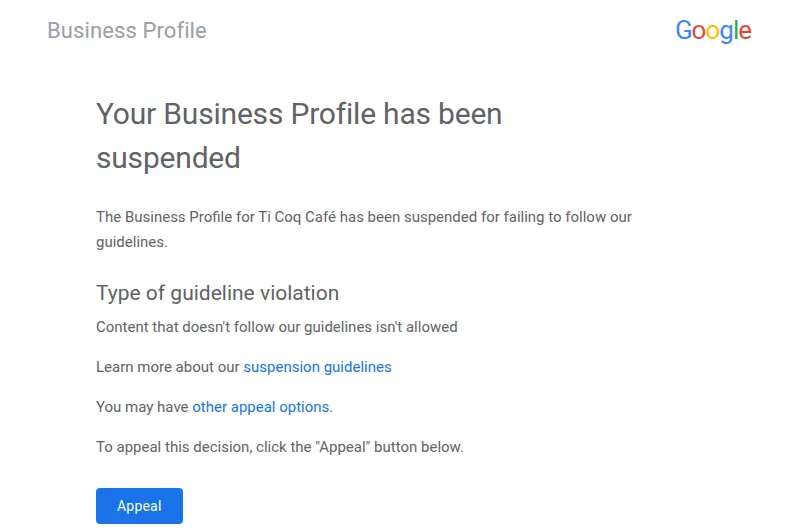
The suspension notice for a Google Business Profile: the stated reason stays generic, so the evidence file is what decides the appeal.
Note
A case observed in July 2026. A tradesperson relocates their workshop; the listing goes under review, local traffic collapses, and three fixes attempted single-handedly make the case worse. After the file was properly framed (registration extract, local utility bills, dated photos), the listing was reinstated in roughly three weeks. The full scenario, and the mechanics of the fall, are set out on our Google listing rescue page.
The three reflexes that make the case worse
Warning
Editing repeatedly, creating a second listing, filing appeal after appeal: the three natural reflexes are exactly the three mistakes that compromise reinstatement.
Editing “to see what happens”. Changing the address, adding a category, adjusting the opening hours during the review: every edit confirms to the algorithm that the listing is unstable, and can restart the review from scratch.
Creating a new listing. A duplicate is an explicit breach of Business Profile guidelines: it exposes both listings to suspension, and the new one starts from zero, without the reviews, the age or the rankings of the original.
Filing appeal after appeal. An appeal is filed once, complete. Repeat submissions with no new documents speed nothing up and undermine the file’s credibility with the review teams.
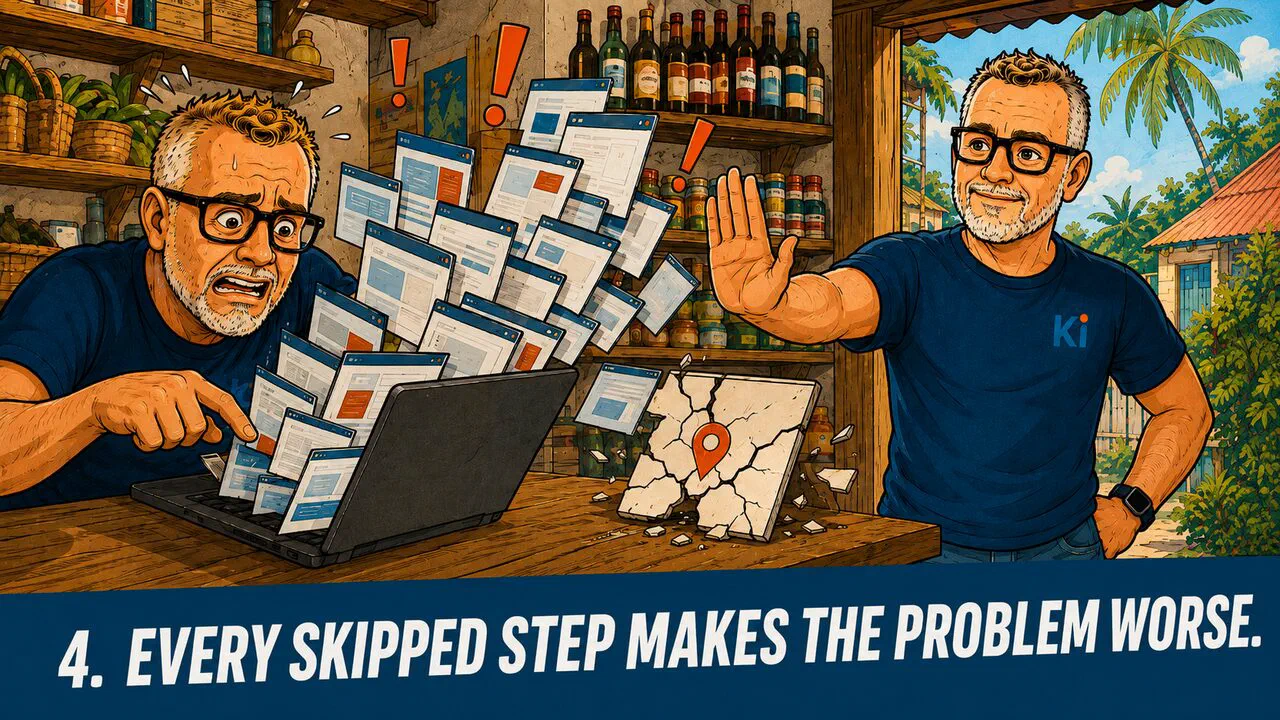
Editing a Google Business Profile that is suspended restarts the clock: each improvised fix pushes reinstatement further away instead of bringing it closer.
The reinstatement process, in order

A complete file at the first submission is what shortens the wait: registration extract, proof of premises and dated storefront photos are what an appeal to reinstate a suspended Google listing actually turns on.
- Freeze the listing. Make no further changes to the suspended listing: not the address, not the hours, not the category. The review has to examine a stable object.
- Establish the likely cause. Go back over what changed in the 60 days before the suspension: a move, legal structure, name, category, a new duplicate. The cause dictates which documents you need.
- Deal with duplicates first. Search for your business on Google Maps: any parallel listing (created by mistake, inherited from a former manager, generated automatically) should be reported or merged before the appeal is filed.
- Build the evidence file. A recent company registration extract, a utility bill or lease at the exact address on the listing, dated and geolocated photos of the storefront with the signage visible. Name, address and activity strictly identical across the documents, the listing and your website.
- File the official appeal. Through the Google Business Profile reinstatement tool, with a factual account: what changed, why, and the documents that prove it. One single, complete submission.
- Follow up without touching anything. Answer Google’s requests for additional documents: two or three exchanges are common. Do not edit the listing while it is under examination.
By the end of the process, you should have: the listing republished with its history intact (reviews, photos, age), an “active” status in your interface, and a gradual return to local search results within two to four weeks.
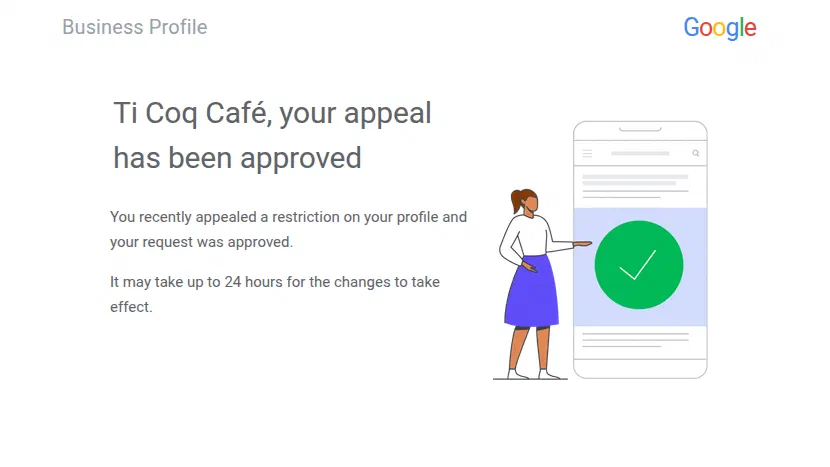
Appeal approved: reinstating a suspended Google listing restores the business in local results within 24 hours, reviews and profile age intact.
Prevention: frame the change before you touch the listing

Planning a move or a change of legal structure before editing the listing is the only method that prevents a Google Business Profile suspension rather than repairing one.
Almost every suspension we see in Guadeloupe could have been avoided: a relocation, a change of legal structure or a business takeover need to be prepared on the listing, with one single consistent update, documents ready, website and directories aligned at the same moment. That is the NAP consistency principle we set out in our local SEO basics for Guadeloupe. If a structural change is coming in your business, the right moment to talk about it is before you edit anything.

Five steps to reinstate a suspended Google listing in Guadeloupe, from diagnosis to prevention: methodical, local, human.