



WordPress: 72 hours between the patch and the first attacks

🇫🇷 Lire en français : WordPress : 72 heures entre le correctif et les premières attaques
WP2Shell is the chaining of two flaws in the WordPress core that lets an unknown attacker take control of a site — with no account, no password, not a single third-party plugin. The WordPress team published the emergency patch, versions 6.9.5 and 7.0.2, on Friday 17 July 2026. By Monday the 20th, real-world exploitation was seen on several security firms’ honeypots, with backdoors installed persistently. On the 21st, the US agency CISA added both flaws to its catalogue of actively exploited vulnerabilities. Between the patch and the first attacks observed at scale: roughly 72 hours — a weekend. This article isn’t so much about the flaw as about what it reveals about the way a site is kept.
Note
Update of 23 July 2026. This article reflects the timeline consolidated as of 23 July: patch on the 17th, exploitation seen on the 20th, CISA listing on the 21st, full technical details published on the 22nd by the researchers. It explains the risk and the protection, without detailing any attack method: the goal is to help you protect your site, not to equip anyone.

Same flaw, two outcomes: what sets the two sites apart isn't WordPress, it's who keeps it up to date.
What happened, hour by hour

From Friday's patch to Monday's exploitation: a weekend was enough to find a site left unwatched.
The patch came out on a Friday at end of day; large-scale exploitation was observed on the Monday. The useful reaction time wasn’t counted in weeks — it was counted in hours. Here is the timeline, as it unfolded. The times should be placed on our zone: when WordPress publishes at end of day in Europe, it’s still early afternoon in Guadeloupe (UTC-4).
| Date | Event |
|---|---|
| Friday 17 July | WordPress publishes patches 6.9.5 and 7.0.2 and triggers forced automatic updates on exposed sites. |
| 17 July, a few hours later | First partial proof-of-concept code published on GitHub, obtained by analysing the difference between the vulnerable and the patched version. |
| Weekend of 18–19 July | First attempts spotted in several vendors’ security traps (honeypots). |
| Monday 20 July | Real exploitation observed: Coalition, Patchstack, Wiz and others see successful attacks, with backdoors (webshells) installed persistently. |
| Tuesday 21 July | CISA adds both flaws to the KEV catalogue and sets the remediation deadline at 24 July. |
| Wednesday 22 July | The researchers publish the full technical details. |
What the “72 hours” in the title covers, precisely. They measure the gap between Friday the 17th’s patch and the large-scale exploitation observed on Monday the 20th. It’s a deliberately honest marker, and it deserves a nuance you won’t read anywhere else: the first partial attack tools appeared within hours, not 72. In other words, the genuinely useful reaction time — the window during which a site could still be updated before the bots found it — was less than 72 hours. One vendor even measured the very first probes against its sensors around 90 minutes after the patch was published. So the 72-hour figure isn’t a grace period: it’s the measure of a window that closed far faster than it appears.
WP2Shell: a core flaw, not an extension
WP2Shell isn’t an isolated bug. It’s the chaining of two separate defects in the WordPress core that, taken together, let an unauthenticated attacker run code remotely on a standard install. Taking control of the site without ever logging in.
The first flaw (CVE-2026-63030) is a route confusion in WordPress’s “batch” REST API, the interface that lets you group several requests into one. It was introduced with version 6.9. The second (CVE-2026-60137) is a SQL injection lodged in a parameter of the query engine, present since 6.8. Individually, they’re already serious. Chained together, they open the door to unauthenticated remote code execution: no account, no click, no plugin, no third-party theme required.
Tip
WP2Shell doesn’t come from a dodgy plugin: the flaw is in the WordPress core. Even a clean, minimal install is exposed if it isn’t up to date. The only real protection is the update — then the check that no intruder had already got in.
It’s an important reversal. We often associate WordPress hacks with a badly coded free extension, installed then forgotten. Here, the problem is elsewhere: in the software itself. A “tidy” site, without frills, stays vulnerable if it runs on an affected version without the patch. So the issue isn’t the quality of your initial install. It’s its maintenance over time.
The discovery goes to Adam Kues, of the Assetnote team (Searchlight Cyber), reported through WordPress’s official security programme on HackerOne. WordPress runs roughly 43% of the web by common counts — so the attack surface is immense, on the scale of the planet as well as our islands.
A score isn’t a priority
A useful detail so you’re not fooled by labels. The official security advisory rates the batch API flaw as critical, but its technical CVSS score is 7.5, a value that corresponds to “high”, not “critical”, in the standard scale. The two don’t contradict each other: the CVSS score measures technical characteristics, while the “critical” rating reflects the real impact and the ease of exploitation.
What should decide your priority isn’t the number. It’s the fact that exploitation is confirmed and that the flaw was added to CISA’s KEV catalogue. A moderate score on an actively exploited flaw remains an absolute emergency.
Are you affected? How to read your version without breaking anything
Here’s the essential to place your own site.
| Branch | Status |
|---|---|
| 6.9.0 to 6.9.4 | Vulnerable to the full chain (remote code execution). |
| 7.0.0 to 7.0.1 | Vulnerable to the full chain. |
| 6.9.5 and 7.0.2 | Patched (published on 17 July 2026). |
| 6.8.0 to 6.8.5 | Affected only by the SQL injection alone, patched in 6.8.6. |
| Before 6.8 | Not affected by this chain. |
To find your version without taking any risk: it’s shown in the WordPress dashboard, at the bottom right of the home screen, or in the “About” section. Don’t query the batch endpoint yourself to “test” your site, and above all never that of a third-party site: it’s useless for a diagnosis and it looks like an attack. If you want an external check, use the existing official control tools, or ask your provider — not a homemade test against the vulnerable interface.
Warning
If your site already seems abnormal, don’t trust the version number shown in the dashboard: an intruder may have altered it to hide their presence. In that case, the real version is read from the server files, not from the admin interface.
How many sites affected, here, in Guadeloupe
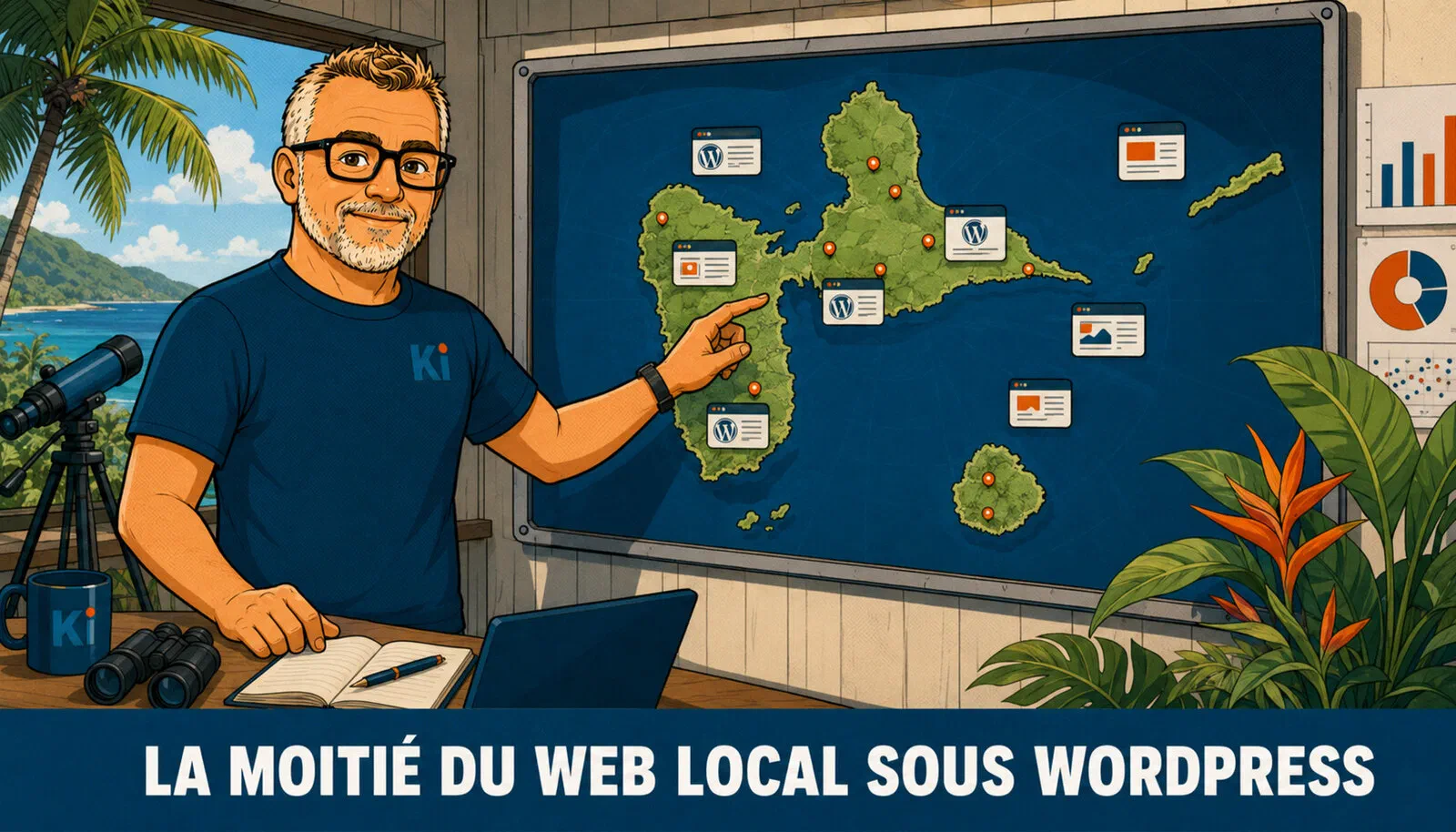
The flaw isn't a distant matter: a large share of Guadeloupe sites runs on WordPress, so they were affected.
To put a local figure down rather than stay abstract, we looked at our own panel. Of the 293 Guadeloupe WordPress sites tracked by the Kimoun Observatory, surveyed on 22 July 2026, 47 sites (16%) still publicly exposed a core version earlier than 6.9.5 — so potentially vulnerable.
That figure is a floor, and the method deserves to be stated honestly. Detection is passive: we read the version the site displays itself (the “generator” tag, public file fingerprints), without ever querying the batch endpoint or testing anything aggressive, and without naming any site. But only 154 sites in the panel (52.6%) reveal their version. Applied to that “visible versions” subset, the vulnerable share climbs to 30.5% — nearly a third. The 139 sites that hide their version are not presumed up to date for all that: not exposing your version isn’t proof of an update, just an absence of information. So the real number of exposed sites is, at minimum, that one — probably more.
The automatic-update trap
This is the heart of the matter, and the point the other articles miss. The forced automatic update triggered by WordPress saved a huge number of sites. But it isn’t a maintenance policy: it’s a safety net that you don’t know deployed, arrived in time, or cleaned up what had already been installed. Three blind spots, in increasing order of importance.
One. The forced update doesn’t reach everyone. WordPress can only patch on its own the sites where auto-update is active. And many hosts and administrators deliberately disable it, to keep control over versions and avoid an update breaking a live site. Those sites received no automatic patch. They’re waiting for a human hand.
Two, and this is the most important: patching doesn’t evict an intruder who already got in. From Monday 20 July, attackers were installing persistent backdoors — webshells, hidden admin accounts, scheduled tasks. Applying the patch afterwards closes the front door, but doesn’t put out the one already inside the house. A site updated on Monday evening could very well have been compromised on Monday morning, and remain under a third party’s control while proudly showing an up-to-date version. The update settles the vulnerability; it doesn’t settle a compromise that already happened.
Three, the window was a weekend. The patch came out on Friday at end of the European day — early afternoon here. The first attack tools circulated in the hours that followed. Large-scale exploitation was observed on the Monday. The question, for many sites, comes down to a simple sentence: was anyone watching on Saturday? A site watched by no one over the weekend is a site that, that weekend precisely, was left to itself at the worst possible moment.
What to do, in this order
Here’s the course of action, from most urgent to most structural. Nothing esoteric — these are the basic reflexes of a site kept seriously. Everything that follows serves to protect yourself, never to reproduce the attack.
- Note your exact version. In the WordPress dashboard or, if the site already seems suspect to you, directly on the server files — don’t trust the interface’s display in that case.
- Go to 6.9.5 or 7.0.2 depending on your branch, or 6.8.6 if you stayed on the 6.8 branch. Make a backup first, to be safe.
- Check that the update is actually applied. A launched update isn’t always a completed one: verify the version shown afterwards, and that the site works normally.
- Block the batch endpoint at the web application firewall (WAF) if you can’t patch immediately. Important technical point: you have to block both forms of access, the URL-path variant (
/wp-json/batch/v1) and the query-parameter variant (?rest_route=/batch/v1). Blocking only one of the two leaves the door open. - Look for persistence. Recent PHP files outside the usual tree, unknown admin accounts, unplanned scheduled tasks, modified core files. These are the most common traces of a backdoor.
- In case of serious doubt, assume the worst. Rotate the security salts and the database credentials, restore from a backup dated before 17 July, then update again. Restoring a backup made after the 17th risks reinstalling the intruder with it.
If your site stayed exposed after 20 July

Locking the door after the fact doesn't put out the one who already got in over the weekend.
Past 20 July without an update or monitoring, the right posture isn’t “I patch and move on”, but “I assume something may have happened, and I check”. This is what security teams call the assume breach posture: rather than hoping all is well, you suppose an intrusion may have occurred and actively look for traces. This isn’t paranoia. On a flaw exploited en masse from the very first Monday, a site left vulnerable all weekend is part of the population the bots had all the time to sweep.
The difficulty, as we said, is that a clean compromise can leave no obvious trace. Without logging enabled upstream or a reference fingerprint of the files, you can’t compare the current state to a known healthy state. That’s exactly where an audit makes the difference: it doesn’t just look at whether the site “seems” normal, it compares the core files to their original version, inspects the accounts and scheduled tasks, and clears the doubt. Our digital resilience audit is designed for this kind of situation: to establish, factually, where a site stands.
What we ourselves did that weekend

Our weekend of 18–19 July: every site in the fleet checked one by one, and the clients warned as early as the 17th.
An advice article on security is only worth something if the person writing it applies to themselves what they preach. So here, plainly, is what happened on our side.
We checked the entire fleet we operate over the weekend of 18–19 July, before the confirmed exploitation on Monday. The method was the same for each site: noting the exact version, checking that the patch was actually applied and not merely triggered, and blocking the batch endpoint where relevant. Nothing heroic in that: it’s the normal work of a provider who keeps sites, done at the moment it should have been done.
The clients concerned, for their part, were warned as early as 17 July, before this article even existed. This is a point we want to be clear about: publishing security advice without first alerting your own fleet would be the exact opposite of what we defend here. Order matters. You secure what you’re responsible for, then you share what you’ve learned from it.
Note
Two associations from Les Abymes, that weekend. Two sites we had no contractual obligation to watch — self-managed by volunteers, on shared hosting, with no maintenance contract, neither with us nor elsewhere. One was still running on the 6.8 branch (so affected by the SQL injection): its managers updated after our call. The other was already up to date, auto-updates enabled — the net worked for it. Both structures were very responsive, and no compromise was found. We warned them even though they were outside our scope, because the scale of the danger justified it. The contrast says it all: on the first site, nothing filtered the risk until our phone call; on the second, auto-update played its role as a net. That’s precisely the thesis of this article, illustrated for real — auto-update is a net, not a policy.
Hosting isn’t managed maintenance

Storing a site online and maintaining it over time are two jobs: that's the nuance WP2Shell makes visible.
It has to be said in black and white, because it’s what makes all the rest credible: hosting a site and maintaining it are two different jobs, and our terms of service distinguish them. On a hosting contract, updating the CMS falls to the client. On a managed-maintenance contract, we carry it. A site hosted with us isn’t automatically a site we keep up to date: it depends on what the client subscribed to.
Saying so doesn’t weaken our offer, quite the opposite. WordPress is often chosen for its ease and its apparently low cost; the real cost, invisible at first, is maintenance over time — the watch, the patches, the tested backups, the monitoring. Someone has to carry it: either the client fully autonomously, or a provider under contract. WP2Shell will at least have served to make this choice visible. It’s also a point I develop, from another angle, in my article on the security of AI-generated code: an attractive or convenient technology never dispenses with follow-up. And the problem reaches far beyond WordPress: in August 2026, 868 software packages poisoned in a single day were a reminder that the update itself can become the vehicle of the attack.
What WP2Shell really changes: the tempo
There’s one last fact, confirmed in the researchers’ publication, that’s worth pausing on — not to cry wolf about artificial intelligence, but because it casts the 72-hour window in a new light. Adam Kues didn’t find this exploit chain alone: he steered a language model (GPT-5.6 Sol), giving it WordPress code stripped of its history to stop it cheating, and letting it search for an attack path for around ten hours. Cost of the operation, by his own admission: about ten hours and roughly 25 dollars of compute. He said it plainly: no human researcher would have wrapped up this chain in so little time without that help.
What changes isn’t the nature of the flaws — WordPress has known others. It’s the tempo. When finding an exploitable flaw becomes faster and much cheaper, the gap between a patch being published and an attack tool appearing shrinks. The 90 minutes between the patch and the first probes, this week, aren’t an accident: they signal the pace of the next times. The practical consequence, for a Guadeloupe site as for any other, is simple: the question is no longer “will my site be patched one day?” but “who will patch it within the day, and who will check behind them?”. The automatic net helps; it doesn’t replace someone watching.
Sources
- WordPress.org — WordPress 7.0.2 Security Release (17 July 2026)
- CISA — Known Exploited Vulnerabilities Catalog
- Searchlight Cyber (Assetnote) — wp2shell: Pre-Authentication RCE in WordPress Core
- Rapid7 — CVE-2026-63030: wp2shell, a Critical RCE Vulnerability in WordPress Core
- Coalition — WP2Shell Vulnerabilities Exploited in the Wild
- Wiz — Exploitation in the Wild of wp2shell
- Kimoun page — Digital resilience audit in Guadeloupe