



Claude Cowork on Linux: the Ubuntu setup that works

🇫🇷 Lire en français : Claude Cowork sous Linux : l'installation Ubuntu
A working day here rarely happens in one place: a meeting in Basse-Terre in the morning, a workshop in Pointe-à-Pitre in the afternoon, and a road in between where the signal comes and goes. So the question is not “which AI tool should I pick”, but “does my workstation keep running while I drive”. On 30 June 2026, Anthropic released Claude Desktop for Linux in beta, which let me run Claude Cowork on my Ubuntu machine. And the good surprise did not come from where I expected: the most useful effect showed up on my phone.
Basse-Terre in the morning, Pointe-à-Pitre in the afternoon: the machine has to keep going
Travel time is a serious productivity constraint in the Caribbean. Between two towns you lose an hour without trying. Multiply that by several trips a week and it becomes the single biggest block of dead time for a freelancer or the head of a small business.
There is a technical reality on top of it: the connection is not uniform along the way. A tool that demands a continuous session and steady bandwidth is a tool that drops out exactly when you have time on your hands. What you need is not software running on the phone, but a machine running elsewhere that you command from the phone. The distinction sounds slight; in practice it reorganises the whole day.
What is missing today will arrive eventually — and meanwhile, you build it
Tip
In my experience, a feature that is missing today eventually arrives — and in the meantime, GNU/Linux lets you build it yourself.
I installed my first distribution in 1996: a RedHat, then Mandrake, which became my everyday system afterwards. In 1999 I joined the BNP Paribas workshop, the only unit in the group whose infrastructure was mostly free software — the non-free part came down to a few Solaris servers and the graphic designer’s Mac. In early 2000 I arrived in Guadeloupe to work with Mediaserv, carrying a Toshiba laptop running Mandrake; my future colleagues had never seen a laptop running Linux.
I am not telling this out of nostalgia, but because that régime installs a particular habit of mind. When a vendor does not yet offer what I need, I do not wait: I assemble something workable from what exists, and replace it the day a finished tool ships. That kind of patience is not resignation, it is a method — and it is exactly what has played out with AI tools these past months.
In practice, that flexibility already existed: tools like Hermes or OpenClaw let you start a job on one machine and pick it up elsewhere. I also came across a few community ports of Claude Desktop for Linux, on GitHub and elsewhere — they did not convince me: limited support, uncertain maintenance. I preferred to apply my method and assemble my own setup while waiting for the official one. What changes today, compared with Hermes and OpenClaw, is that you can now do this in Claude too — for everyday tasks, and without a dedicated agent.
Obsidian and Git: a working memory shared by Claude and ChatGPT
In practice, that method took the shape of one central piece, far simpler than its name suggests: a folder of plain text files, paired with a version history. I use Obsidian for comfortable reading and a Git repository for the history. My notes, my decisions and my project write-ups live there in an open format any piece of software can read, and every change is dated and reversible. The principle matters more than the tools: the content would still be usable if I swapped both tomorrow.
Two assistants, one shared context
The value shows up once several assistants are involved. I hold two paid subscriptions, one with Anthropic for Claude and one with OpenAI for ChatGPT. That folder serves as their shared working memory: each draws on the same context instead of starting from scratch in every conversation. I do not re-explain my business every morning, and above all, that memory does not live at a vendor. It is the direct extension of the logic I set out when explaining how to separate the treasure from the agents: the data stays with me, the intelligence comes to work on it.
Claude Desktop for Ubuntu and Debian: a GitHub issue that closed on 30 June 2026
On 5 June 2026, a request for an official Linux build was opened on the public Claude Code repository as issue 65697. It gathered more than 650 reactions and around fifty comments. On 30 June, Anthropic released a beta of Claude Desktop for Linux: twenty-five days between the request and its answer.
One technical detail matters to GNU/Linux users: installation goes through Anthropic’s official apt repository, which means updates are handled directly by the package manager. No manual downloads, no exotic maintenance or extra monitoring. Support covers Ubuntu 22.04 and Debian 12 or later, on x86_64 and arm64 — so potentially installable on a Raspberry Pi — with the same three tabs as on macOS and Windows: Chat, Cowork and Code. Cowork works on any paid plan.
Warning
Official support rather than a workaround, yes — but it is still a beta, and the vendor documents its own gaps: voice dictation is not available on Linux, and neither is screen and app control. In practice these gaps do not get in my way: my use runs through MCP connectors, not through voice or interface control.
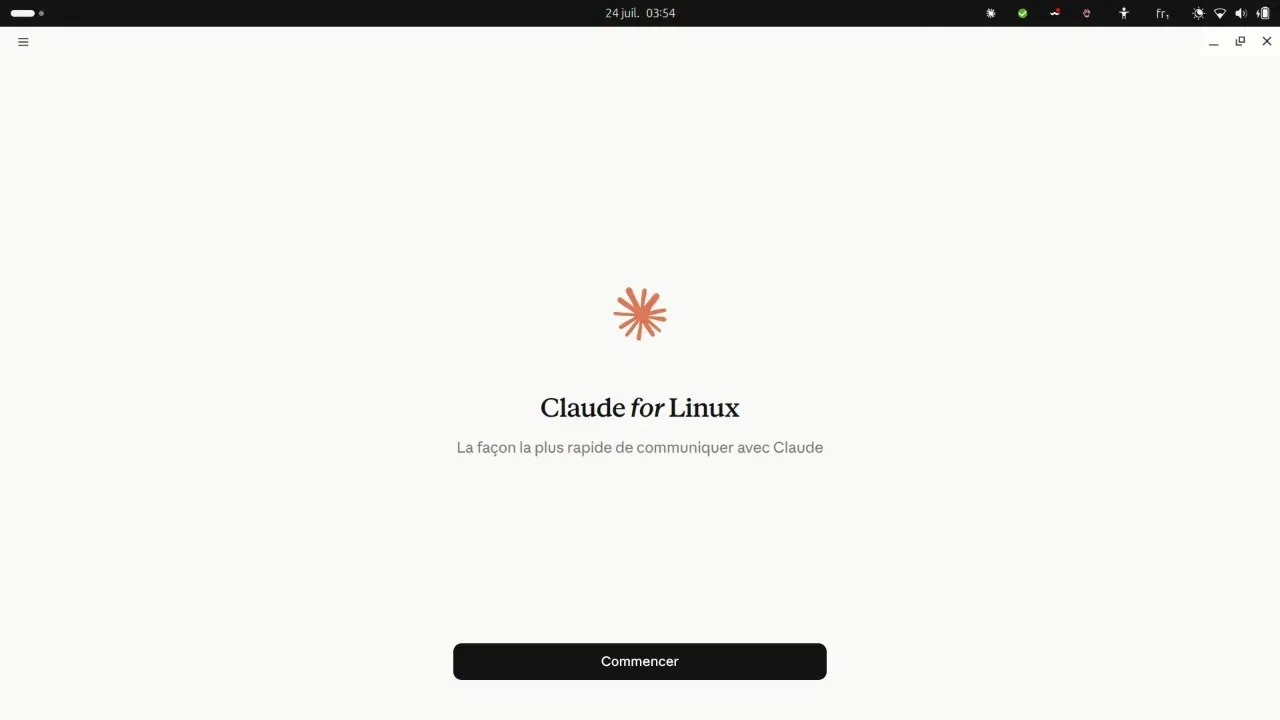
Claude for Linux on first launch on my Ubuntu workstation — my interface runs in French. The app is installed from Anthropic's apt repository, so it updates along with the rest of the system.
Install Claude Desktop on Ubuntu, command by command
Three steps, about ten minutes. You need Ubuntu 22.04 or Debian 12 as a minimum, on amd64 or arm64 — other Debian-based distributions may work but are not officially tested.
1. Fetch Anthropic’s signing key. It lets your system verify that packages really come from the vendor. On a fresh install, curl may be missing: sudo apt install curl sorts that out.
sudo curl -fsSLo /usr/share/keyrings/claude-desktop-archive-keyring.asc \
  https://downloads.claude.ai/claude-desktop/key.asc
While you are at it, check who that key belongs to — a healthy reflex whenever you add a software source to your machine:
gpg --show-keys /usr/share/keyrings/claude-desktop-archive-keyring.ascThe fingerprint shown should be 31DD DE24 DDFA B679 F42D 7BD2 BAA9 29FF 1A7E CACE.
2. Register the repository.
echo "deb [arch=amd64,arm64 signed-by=/usr/share/keyrings/claude-desktop-archive-keyring.asc] https://downloads.claude.ai/claude-desktop/apt/stable stable main" \
  | sudo tee /etc/apt/sources.list.d/claude-desktop.list
3. Install.
sudo apt update && sudo apt install claude-desktopThe package is called claude-desktop: there is no separate “Cowork” package. Cowork is a tab inside the app, next to Chat and Code. Then launch Claude from your application menu, or run claude-desktop from the command line, and sign in with your account.
MCP on Android: the phone becomes a remote control for the machine
Tip
The most useful effect of this install did not land on the desktop but on mobile: the MCP connectors, underwhelming on Android until now, finally work end to end.
This is the best surprise of the whole install, and it did not come from the computer. MCP — short for Model Context Protocol — refers to the connectors that let an assistant reach your tools and documents instead of talking into the void: a standard socket between the AI and your data. I use a lot of them day to day, and I build them for clients. Yet their support in the Claude app for Android had stayed underwhelming as far as I was concerned. That was before: since Claude Cowork has been running on my Ubuntu machine, the whole chain works end to end. The phone stops being a conversation terminal and becomes a remote control for a machine that is working.

The phone does not do the work: it commands a machine that keeps running.
I come out of a meeting, start a task from the phone before pulling away, it runs during the drive, and I review the result on arrival. Two uses come back almost daily. Research first: gathering what has come out on a topic, filtering the noise, handing me a short summary with its sources — work that takes time but calls for little judgement, so it delegates perfectly. Content preparation second: taking the notes from a meeting and turning out a first draft of a write-up or a post, which I correct rather than write.
The gain is not in the technical feat, it is in the day. An hour on the road that used to produce nothing now produces two or three things to review. Travel time stops being lost time and becomes delegation time — and where people move around a lot, the difference adds up fast.
What I take from this for a business here
First, something obvious that gets overlooked: the technical stack comes last. Until your documents sit somewhere stable, reachable from more than one computer, no assistant will change a thing.
Then a word of caution. A beta is a choice you make for convenience, never for a commitment: I do not rest a client deadline on software whose vendor publishes the list of what is missing.
But the rest comes down to one idea. Something missing today is not a dead end, it is a delay. Free software is what lets you hold the line during that delay. Issue 65697 gives you the measure of it: twenty-five days between a request made publicly and its answer. Twenty-five days during which the work still had to get done.
That trade-off — what to build now, what to wait for, what to delegate — is what I work through with businesses on the AI and automation page.
To understand how MCP connectors work from the ground up, I set out the principle when writing about the data.gouv.fr MCP server.